
SOLUCIONES MÓVILES
PARA EMISORES, ADQUIRIENTES, COMERCIOS Y DISTRIBUIDORES

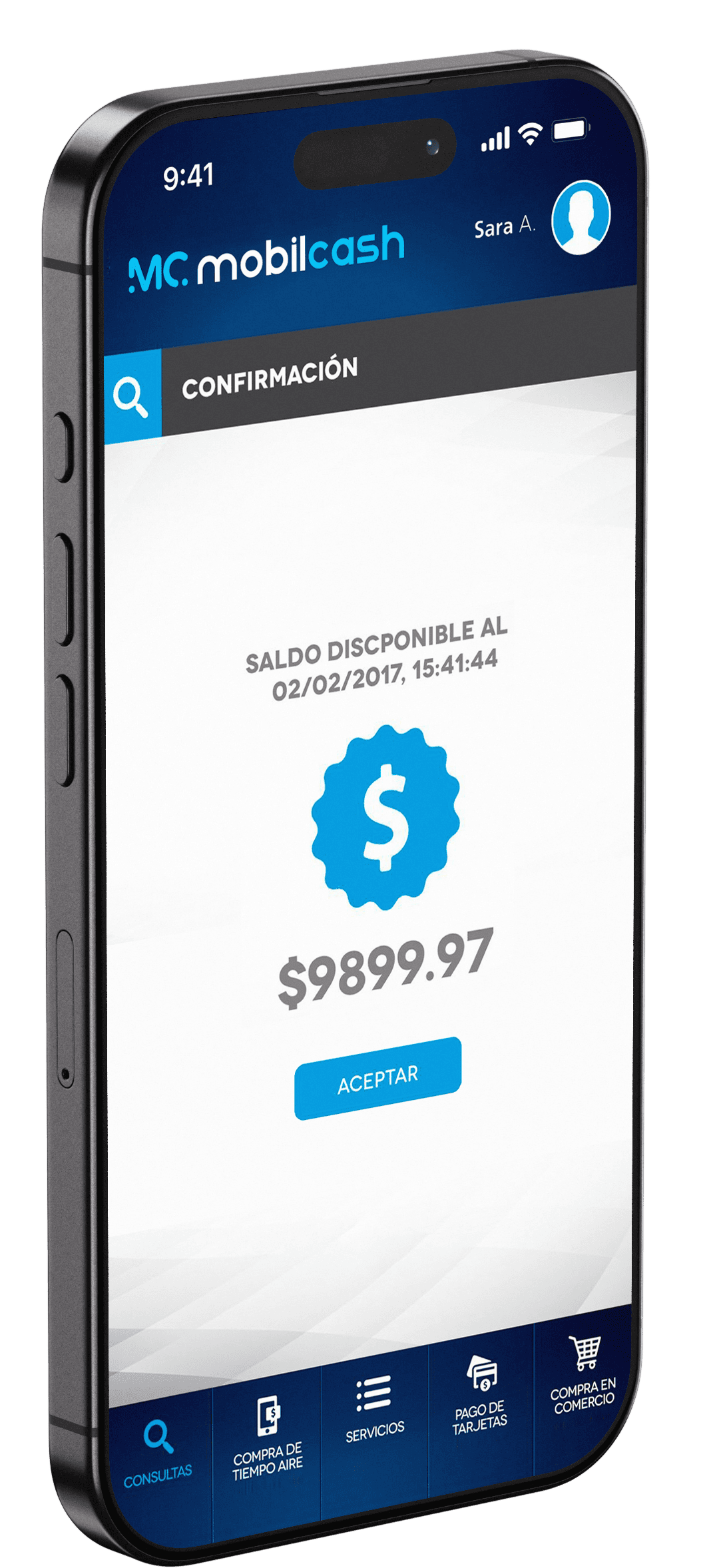
ACERCA DE MOBIL-CASH
Fundada en el año 2006, MobilCash es una empresa pionera en su sector, proveyendo soluciones tecnológica para el sistema financiero en países emergentes. Basada en Estados Unidos, MobilCash empezó con la simple visión de crear eficiencias en la cadena de valor eliminando el efectivo del sistema.
Hoy, MobilCash participa en un mundo de comercio universal, donde compradores y vendedores puedan llevar a cabo transacciones comerciales y pagos desde cualquier lugar, a cualquier hora y desde cualquier dispositivo. Un mundo donde los negocios puedan conectar los puntos de venta físicos con los digitales de una forma sencilla y segura utilizando la tecnología MobilCash.
Mediante una estrategia de alianzas y colaboración con instituciones financieras (emisores/adquirentes), procesadores y operadores móviles, MobilCash se ha posicionado como el socio ideal en el comercio móvil, desarrollando soluciones de dinero móvil rápidas y seguras.
SOLUCIONES
Estamos en un momento tecnológico donde la combinación de billeteras virtuales con teléfono celulares está llevando los pagos electrónicos a casi todos los segmentos de población.
Las billeteras virtuales pueden ofrecerse en diferentes formatos:
- Estructura abierta (“Open-Loop”) donde la billetera es asociada a una tarjeta de crédito/débito o a una cuenta bancaria.
- Estructura cerrada (“Closed-Loop”) donde la billetera es asociada a una cuenta propietaria, permitiendo la inclusión de usuarios y entidades sin relación bancaria.
Las soluciones móviles como las de MobilCash ofrecen numerosas ventajas dada la alta penetración de dispositivos móviles en los mercados emergentes, haciendo que cada dispositivo se pueda transformar en una herramienta para iniciar o recibir pagos de forma rápida y segura.
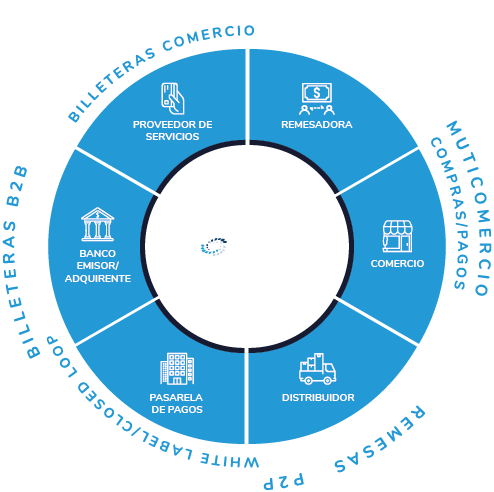
CLIENTES
Las oportunidades en el mercado actual son numerosas y MobilCash constantemente está ideando y desarrollando soluciones eficientes para la digitalización del dinero. Todo ello, con la mirada puesta al hecho de que a pesar de los avances tecnológicos alrededor del mundo, los niveles de población no bancarizada siguen altos y el uso de efectivo sigue siendo predominante.
Algunas verticales donde MobilCash ha logrado avanzar en la lucha contra el efectivo son:

REMESAS
Todos los días, millones de transacciones son enviadas alrededor del mundo y el formato de los fondos entregados es mayoritariamente el efectivo, con todas las ineficiencias que ello crea.

DISTRIBUIDORES
Los bajos índices de bancarización en países emergentes combinado con el alto uso de efectivo en comercios crea serios problemas a los distribuidores de productos que ven sus costos incrementados por la dificultad e reducir el manejo de efectivo.

COMERCIOS
Comercios de todos los tamaños tienen objetivos y retos parecidos: incremento de sus ventas, mayores ventas promedio, incremento de seguridad, etc.

INSTITUCIONES SANITARIAS/FUNDACIONES
MobilCash permite llevar la relación entre los profesionales sanitarios y sus pacientes a un nivel superior.

INSTITUCIONES FINANCIERAS
Bajo el esquema tradicional de pagos electrónicos, las entidades financieras tienen dificultades para llegar a la población no-bancarizada.
TECNOLOGÍA
MobilCash utiliza tecnología propietaria y patentada, desarrollada y soportada por nuestro propio equipo de programadores que trabajan constantemente para ajustar y adaptar nuestras soluciones a las necesidades y requerimientos de cada cliente.


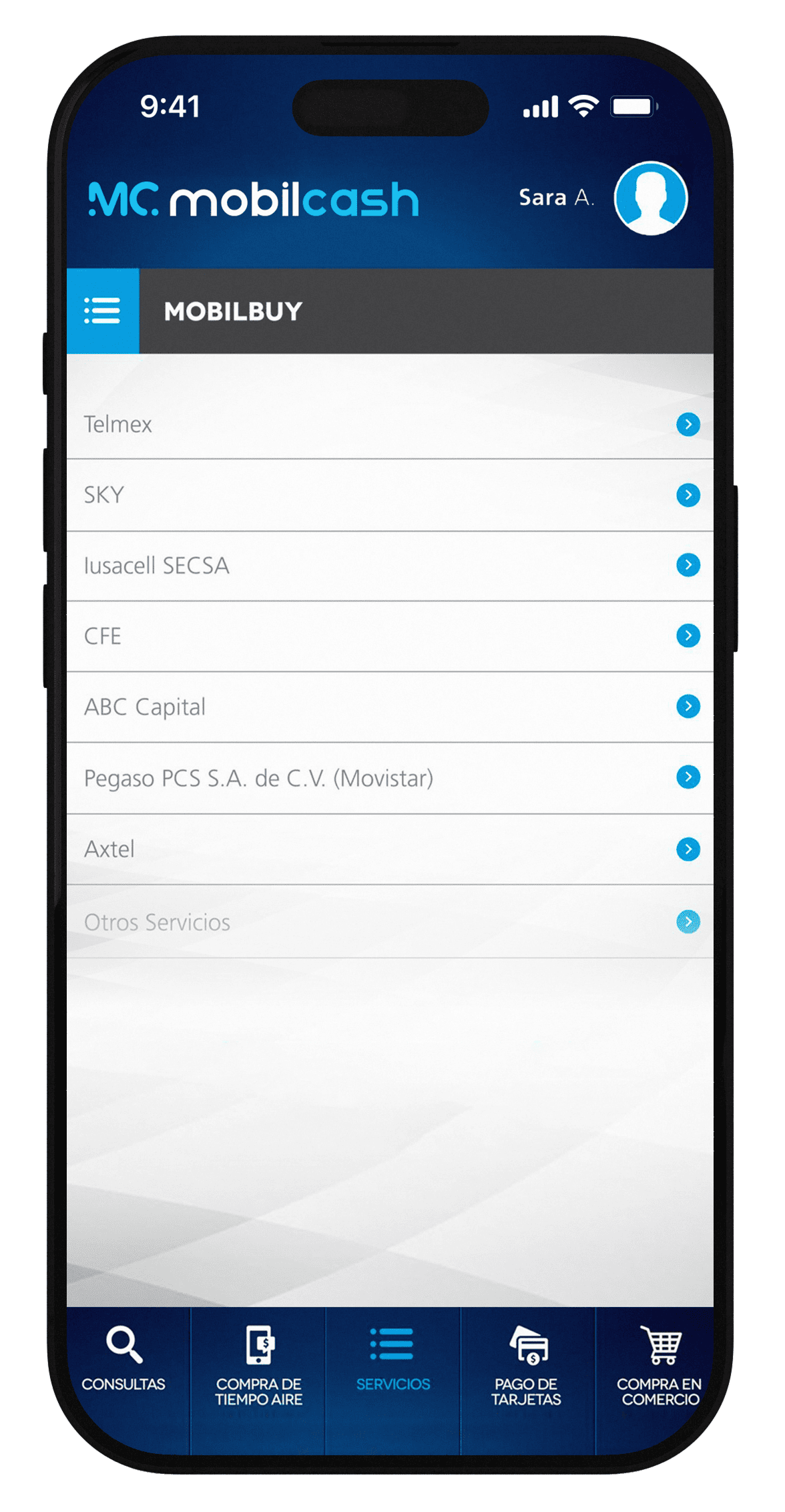


CLIENTES/SOCIOS ESTRATÉGICOS

CONTACTO